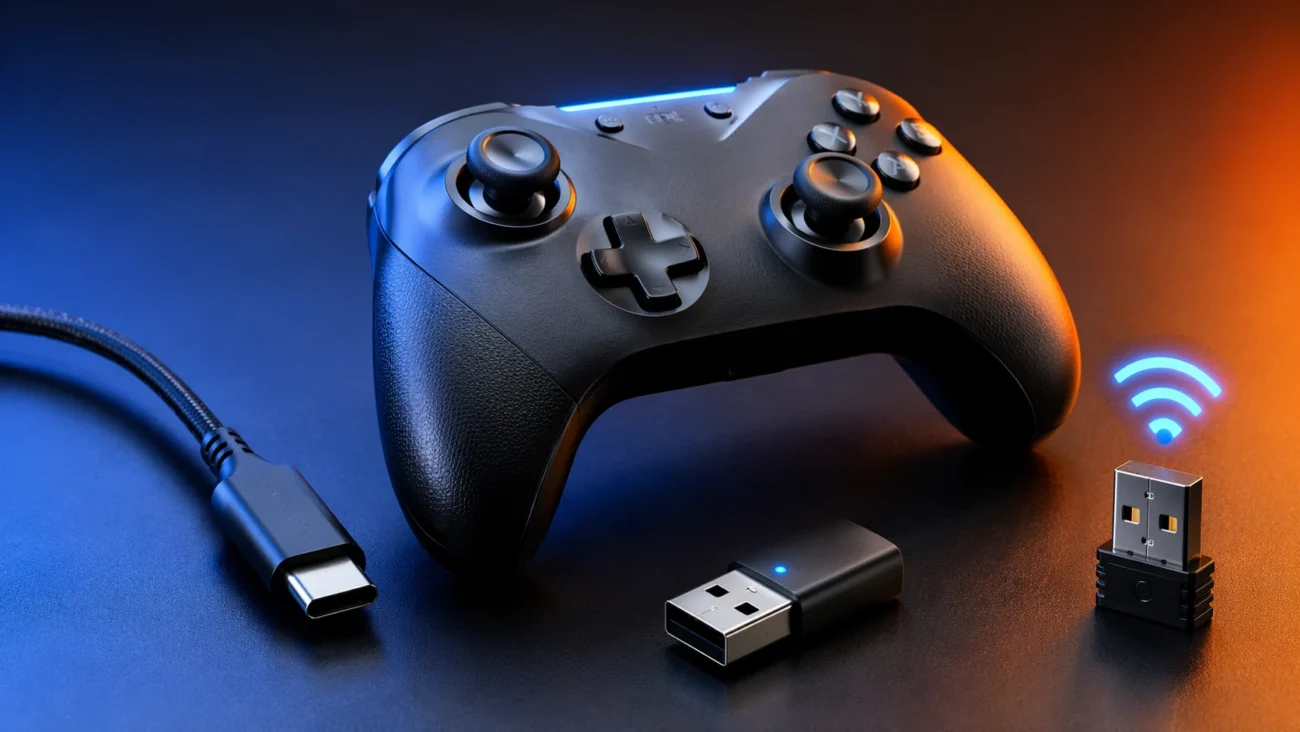
Search for “connector hssgamepad,” and you’ll land in a strange corner of the internet. The phrase pops up across dozens of sites, each offering a slightly different explanation. Some describe it as a cable. Others say it’s Bluetooth. A few claim it’s a wireless dongle. The language overlaps, but the details rarely line up.
That confusion isn’t accidental. It reflects a broader issue with how certain gaming accessories are marketed and discussed online. The term “connector hssgamepad” doesn’t point to a single, clearly defined product. Instead, it seems to function as a catch-all phrase for how a specific type of game controller connects to devices like PCs, phones, or TVs.
So what does it actually mean? And more importantly, what does a reader need to know to make sense of it and get a controller working?
What “Connector HSSGamepad” Actually Refers To
At its core, the phrase “connector hssgamepad” is about the link between a game controller and the device it’s supposed to control. That might sound obvious, but here’s where it gets tricky. The term isn’t tied to a single technology.
Depending on the context, “connector” can mean one of three things. It might refer to a physical cable, usually USB. It could point to a wireless connection, typically Bluetooth. Or it may describe a small USB receiver, often called a dongle, that uses a 2.4GHz signal.
Most of the content using this keyword doesn’t clarify which one it’s talking about. Instead, it blends them together, leaving readers to guess. That’s why someone searching this phrase often ends up with more questions than answers.
The name “HSSGamepad” adds another layer of uncertainty. There’s no widely recognized manufacturer with that exact branding, at least not in the way companies like Sony or Microsoft operate. The term appears frequently on blog-style sites, but it lacks the kind of documentation, manuals, and product listings you’d expect from a major hardware brand.
Why the Term Is So Hard to Pin Down
The internet is full of recycled tech content, and this is a clear example. Many articles describing “connector hssgamepad” use nearly identical wording. They promise wide compatibility, smooth performance, and easy setup. But when you look closer, the specifics are thin.
That raises a reasonable concern. If a product or system is widely used, there are usually detailed guides, official downloads, firmware updates, and support forums. Here, those signals are either missing or vague.
But here’s the thing. That doesn’t mean the concept itself is fake. It means the terminology has drifted away from clear product identity. In practice, people using this term are usually dealing with a real controller. They just don’t have a consistent name or support structure to rely on.
This is common with generic or rebranded electronics. A single piece of hardware might be sold under different names in different markets. Over time, keywords like “connector hssgamepad” emerge as a kind of shorthand, even if they don’t map neatly to a single official product.
The Three Ways an HSSGamepad Typically Connects
To make sense of the phrase, it helps to break it down into the actual connection methods users are dealing with. These methods are standard across many controllers, regardless of branding.
Wired USB Connection
The simplest setup is a wired connection. A USB cable links the controller directly to a device, usually a PC or console. In most cases, the system recognizes the controller automatically.
This method is often the most stable. There’s no signal interference, no pairing process, and no need to worry about battery life during use. That said, not every device supports USB controllers equally, especially when it comes to smartphones or smart TVs.
Another detail that matters is the cable itself. Not all USB cables are built the same. Some only provide power, while others support data transfer. A controller won’t work properly without a data-capable cable, which can lead to confusion if the connection appears to fail.
Bluetooth Pairing
Bluetooth is where many users run into trouble. The process seems simple on paper: put the controller into pairing mode, search for it on your device, and connect.
In reality, small differences can cause big problems. Not every controller supports the same Bluetooth profiles. Some work well with Android but struggle with iOS. Others may connect but show input lag or mapping issues.
Battery level also plays a role. A controller with low power may enter pairing mode but fail to maintain a stable connection. And then there’s firmware. If the controller or the host device is running outdated software, compatibility issues can show up in unpredictable ways.
2.4GHz Wireless Dongle
The third option is a dedicated wireless receiver. This small USB device plugs into a computer or TV and communicates with the controller over a 2.4GHz signal.
This method often offers lower latency than Bluetooth, which is why it’s popular among gamers who care about responsiveness. But there’s a catch. The dongle must be compatible with the controller, and not all devices support external receivers.
Some users assume any USB dongle will work. That’s rarely the case. These receivers are usually paired to specific controllers, and using the wrong one can result in no connection at all.
Which Devices Are Supposed to Work
One of the most common claims tied to “connector hssgamepad” is broad compatibility. Articles often suggest the controller works with PCs, Android phones, iPhones, smart TVs, and even gaming consoles.
That sounds appealing, but the reality is more complicated.
Windows PCs tend to be the most forgiving. Many controllers, even generic ones, can connect through USB or Bluetooth with minimal setup. Drivers are often handled automatically, and there’s a long history of controller support in the operating system.
Android devices also offer strong compatibility, especially with Bluetooth controllers. However, performance can vary depending on the device manufacturer and Android version.
Apple devices are more restrictive. iOS supports certain controller standards, but not all third-party devices meet those requirements. A controller might pair successfully but fail to work in games.
Smart TVs sit somewhere in the middle. Some models support Bluetooth controllers, while others rely on specific apps or accessories. Compatibility here depends heavily on the TV’s software.
As for consoles, the situation is even tighter. Major consoles like PlayStation and Xbox typically limit support to their own controllers or officially licensed alternatives. Generic controllers often don’t work at all.
Why Connection Problems Keep Showing Up
Search data suggests that many people looking up “connector hssgamepad” are dealing with something not working. The same issues come up again and again.
One of the most common problems is pairing failure. The controller doesn’t show up on the device, or it appears briefly and disappears. This often comes down to pairing mode timing or interference from other nearby devices.
Another issue is lag. Even when the controller connects, the response time may feel off. This is especially noticeable in fast-paced games. Bluetooth connections are more prone to this, particularly in crowded wireless environments.
Then there’s the problem of incomplete compatibility. A controller might connect, but the buttons don’t map correctly. Some inputs may not register at all. This usually points to differences in how devices interpret controller signals.
Power is another factor. Low battery levels can cause unstable connections, even if the controller appears to be working at first. It’s a simple issue, but one that gets overlooked.
What to Check Before Buying or Troubleshooting
Anyone dealing with a “connector hssgamepad” setup should start with a few basic checks. These aren’t complicated, but they can save a lot of frustration.
First, identify the connection type. Is the controller meant to be used with a cable, Bluetooth, or a dongle? This determines everything else. Guessing here often leads to dead ends.
Next, check device compatibility. Just because a controller connects physically doesn’t mean the software will support it. Looking for confirmation from reliable sources is key, even if those sources are limited.
It’s also worth examining the hardware itself. The quality of the cable, the condition of the USB port, and the presence of any required accessories all play a role.
Finally, consider the possibility that the controller is part of a loosely branded or rebranded product line. In those cases, documentation may be limited, and troubleshooting becomes more about general controller knowledge than specific instructions.
Can You Trust the Information Around HSSGamepad?
This is where things get interesting. The online footprint around “HSSGamepad” doesn’t look like that of a well-established hardware brand. There’s no clear manufacturer history, no widely recognized support system, and no consistent product catalog.
That doesn’t mean every device using that name is unreliable. But it does mean readers should approach claims with caution. If a site promises universal compatibility or flawless performance without backing it up with specifics, that’s a signal to look deeper.
A good rule of thumb is to look for evidence. Are there real product manuals? Are there firmware updates tied to specific model numbers? Are there user communities discussing the same device in detail?
If those elements are missing, it’s worth asking why.
Frequently Asked Questions
FAQ
What does “connector hssgamepad” actually mean?
It usually refers to the way a game controller connects to another device. That connection could be wired through USB, wireless through Bluetooth, or handled by a dedicated USB receiver.
Is HSSGamepad a real brand?
There’s no strong evidence of a widely recognized company operating under that name. It appears more often in blog content than in official product documentation, which suggests it may be tied to generic or rebranded hardware.
Can HSSGamepad connect to both PC and mobile devices?
In many cases, yes, but it depends on the specific controller and connection method. PCs and Android devices tend to offer better support than iPhones or gaming consoles.
Why won’t my HSSGamepad connect?
Common causes include incorrect pairing mode, low battery, incompatible devices, or missing drivers. Identifying the connection type is usually the first step in solving the problem.
Do I need a dongle for HSSGamepad?
Only if the controller is designed to use one. Some models rely on Bluetooth instead, while others support both methods.
Is wired connection better than wireless?
Wired connections are generally more stable and have lower latency. Wireless options offer more convenience but can be affected by interference and battery levels.
Conclusion
The phrase “connector hssgamepad” looks simple at first glance, but it hides a lot of ambiguity. It doesn’t point to a single product or even a single technology. Instead, it acts as a loose label for how certain controllers connect to devices.
That ambiguity explains why so many users end up searching for help. They’re not just trying to fix a connection problem. They’re trying to understand what they’re working with in the first place.
But here’s the practical takeaway. Focus on the fundamentals. Identify the connection method, confirm compatibility, and test each step carefully. Most issues can be traced back to one of those factors.
The bigger lesson is about how information spreads online. Not every widely used term has a clear origin or reliable support behind it. In cases like this, clarity doesn’t come from a single source. It comes from piecing together what’s consistent, questioning what isn’t, and sticking to what actually works in the real world.
